Clinics, service desks and busy counters
A queue people can actually see.
Free to start · no card needed
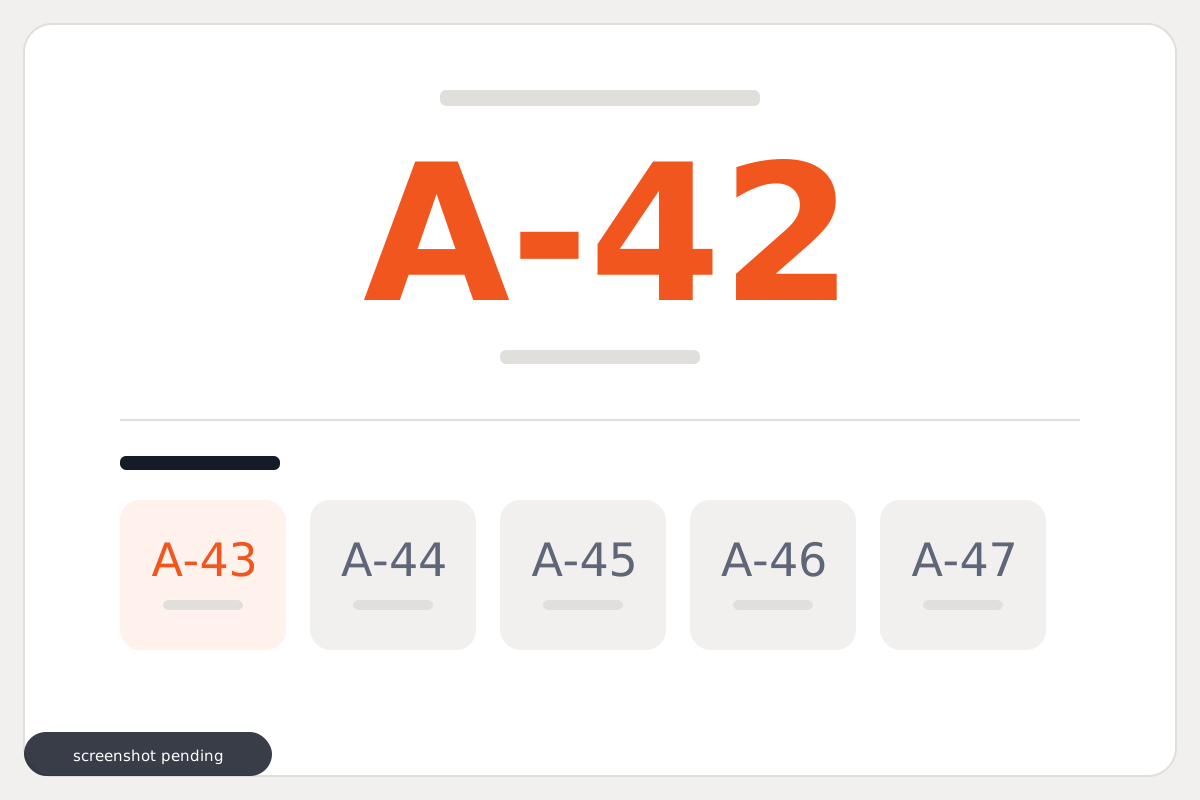
Sound familiar?
The counter is busy and nobody knows how many are ahead of them.
People stand in the room because leaving means losing their place.
Bookings for scheduled sessions get taken on paper.
How it works
- 01
Issue a token
A number at the counter, or from a code on the door.
- 02
Call it when ready
Staff advance the queue. The board updates as it moves.
- 03
Sell what's scheduled
Seats for a session or an event, booked ahead against a date.
What you get
Included with queue & bookings
The ones marked optional are switched on for your shop rather than bundled by default.
- Public storefront
- Prices shown publicly
- Cart and checkout
- Token queue
- Bookings for a set date
- Stock trackingoptional
- Delivery agents and trackingoptional
- WhatsApp order notifications
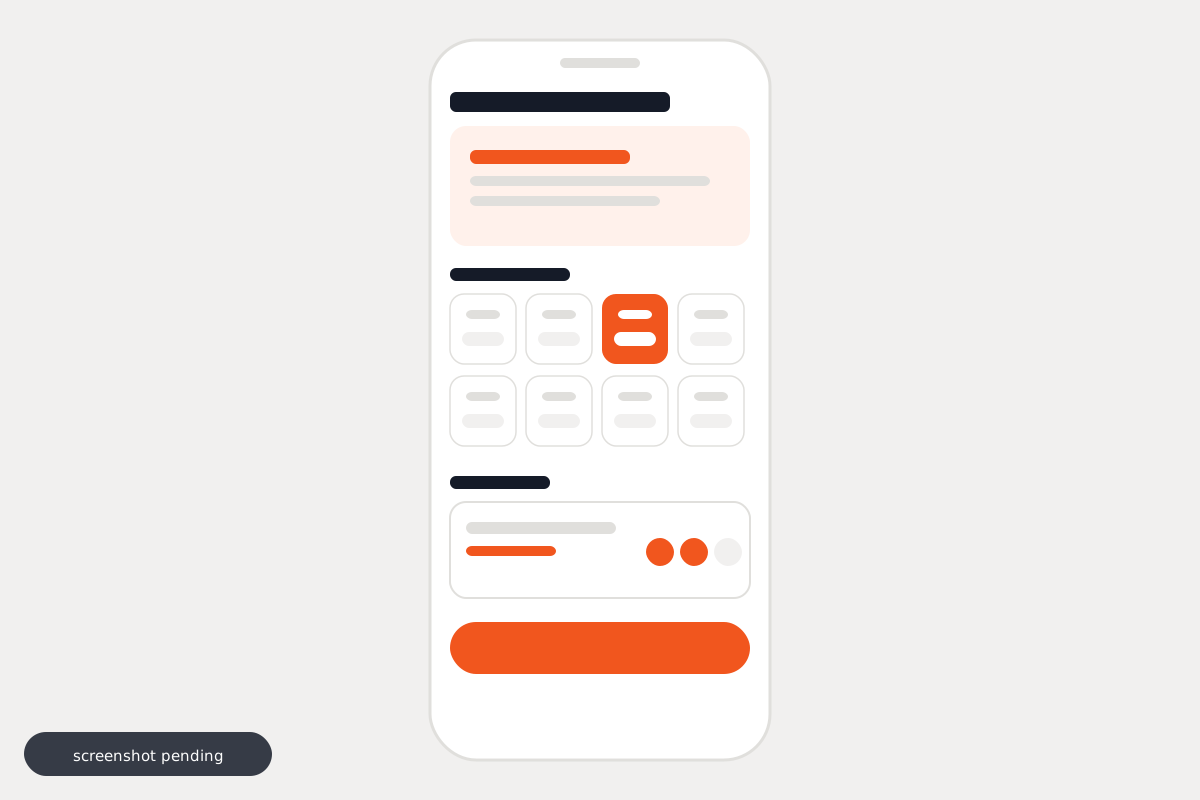
What it looks like
What it costs
Priced per shop
A single counter and a chain with branches are not the same product, so we quote for what you run rather than publishing a number that fits nobody.
No form to fill in · no call required
Questions
Is this for restaurants?
Not this one. A restaurant wants the door waiting list — it holds a party against a table and messages them when one frees. This is a counter queue: a number, called in turn. Restaurants get the other setup.
Do people need an app?
No.
Can they see the queue from outside?
Yes, that is the point of it.
What kind of business is this for?
Clinics, service desks and busy counters — places where people are served in turn rather than browsing.
Can I take bookings too?
Yes. Scheduled sessions are sold ahead against a date, with a confirmation to the person who booked.
What does it cost?
We quote per shop, because the setups differ a lot — a single counter and a chain with branches are not the same product. Message us on WhatsApp and you will have a number in a couple of minutes. No form and no call needed.