Supermarkets and grocers who already print one
Your flyer becomes the shop.
Free to start · no card needed
Sound familiar?
You design a flyer every week, then type all ninety products into a website by hand.
By the time the catalogue is updated, the offers have changed.
So the flyer goes out on WhatsApp and the orders come back as screenshots.
How it works
- 01
Upload the flyer
The same PDF or image you send to the printer. Four pages, ninety products, no reformatting.
- 02
Check what it found
Product names, prices and purchase limits are read off the page and matched to your catalogue. You review and correct rather than type.
- 03
Publish
Customers open the flyer on their phone, tap a product, and check out. Offers stay live until you replace them.
What you get
Included with shoppable flyer
The ones marked optional are switched on for your shop rather than bundled by default.
- Public storefront
- Shoppable flyer
- Prices shown publicly
- Cart and checkout
- Stock trackingoptional
- Delivery agents and trackingoptional
- WhatsApp order notifications
What it looks like
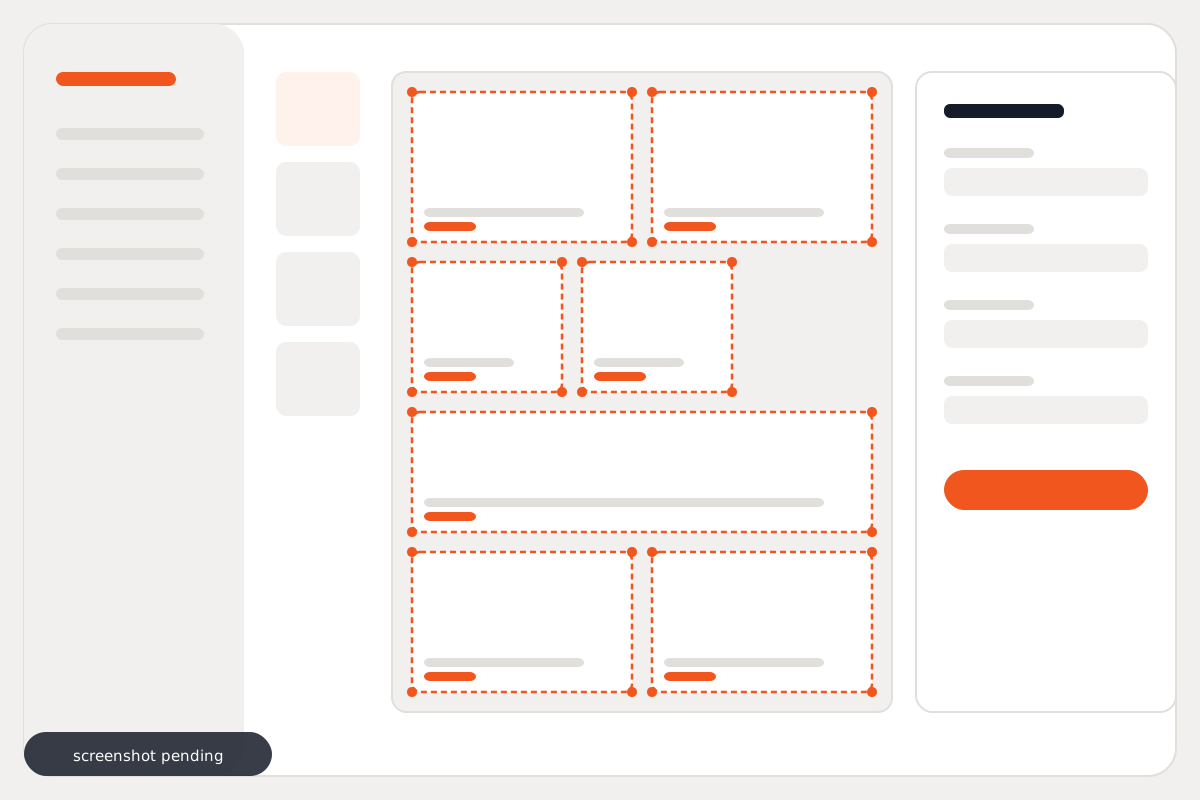
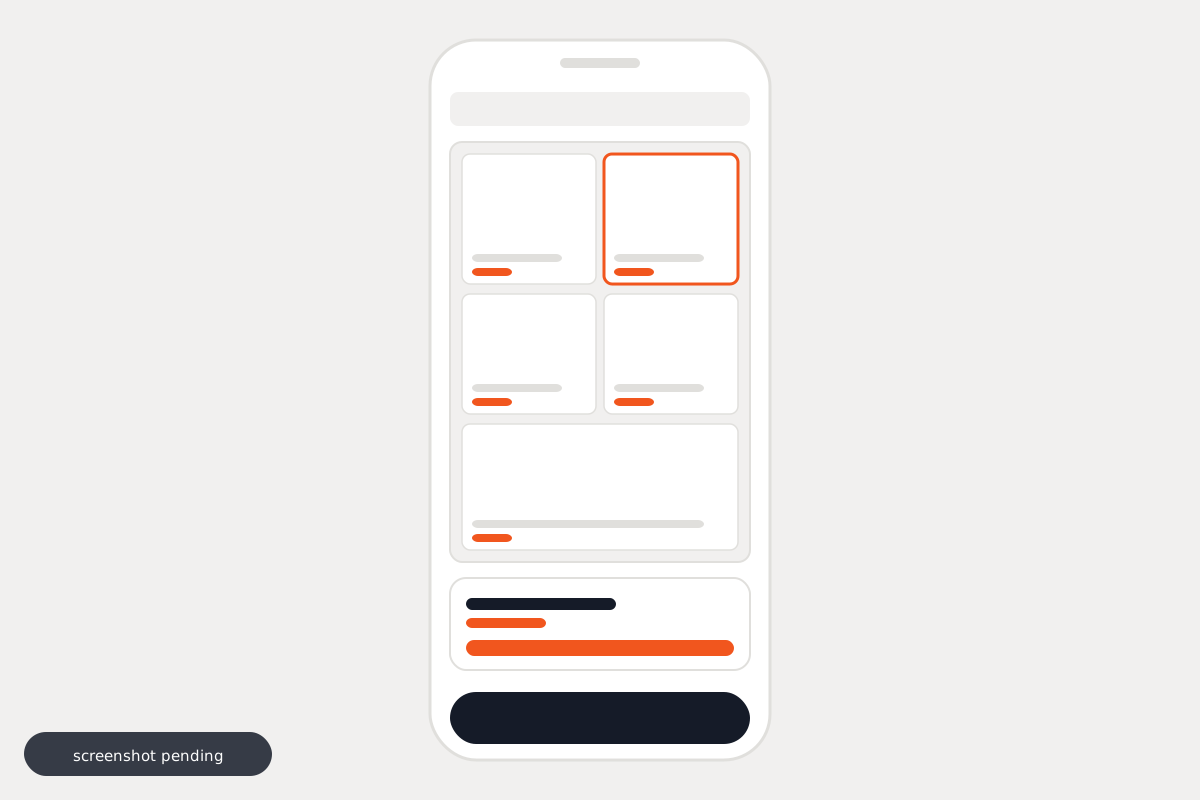
What it costs
Priced per shop
A single counter and a chain with branches are not the same product, so we quote for what you run rather than publishing a number that fits nobody.
No form to fill in · no call required
Questions
How long does it take to put up a flyer?
Upload, then review what was detected. It replaces roughly two hours of typing every week with a review pass — but it is a review, not a rubber stamp. Boxes come back approximately placed and you nudge the ones that are off.
Is the detection always right?
No, and the editor is built on that assumption. Reading names, prices and limits off the page is the accurate part. Bounding boxes are close, not pixel-perfect, so there are drag handles, arrow-key nudging and a grid split for uniform blocks like a fruit and veg panel.
Do I need a designer or a developer?
No. You need the flyer file you already have.
What happens to the products already in my shop?
Detected tiles are matched against your existing catalogue, so a flyer links to the products you already sell rather than creating duplicates.
Can customers still browse normally?
Yes. The flyer is the front door; the full catalogue sits underneath it.
What does it cost?
We quote per shop, because the setups differ a lot — a single counter and a chain with branches are not the same product. Message us on WhatsApp and you will have a number in a couple of minutes. No form and no call needed.